Stereo field & expansion tutorial
As we gradually move away from the need for monophonic production, we look at the various ways to make audio sound wider within the confines of your two available speakers. This section contains a summary of the principles involved, and the tools used to create these spatial effects.
Principles
Let's start off by taking a look at the physical side of our hearing. Each a of our ears has an area of focus. We can clarify this by saying that each ear is recording sound coming from both a side axis and a smaller area in front via the pinna. Theoretically, for us to be able to hear the widest possible sound we can, each ear would have to receive an entirely different sound from the other. This can be achieved either by wearing headphones, or by positioning a monitor next to each ear, and playing something completely different into each channel. This can sound very disturbing, so we tend to use a stereo processor (e.g. MStereoProcessor), to control the spatial characteristics of a sound..
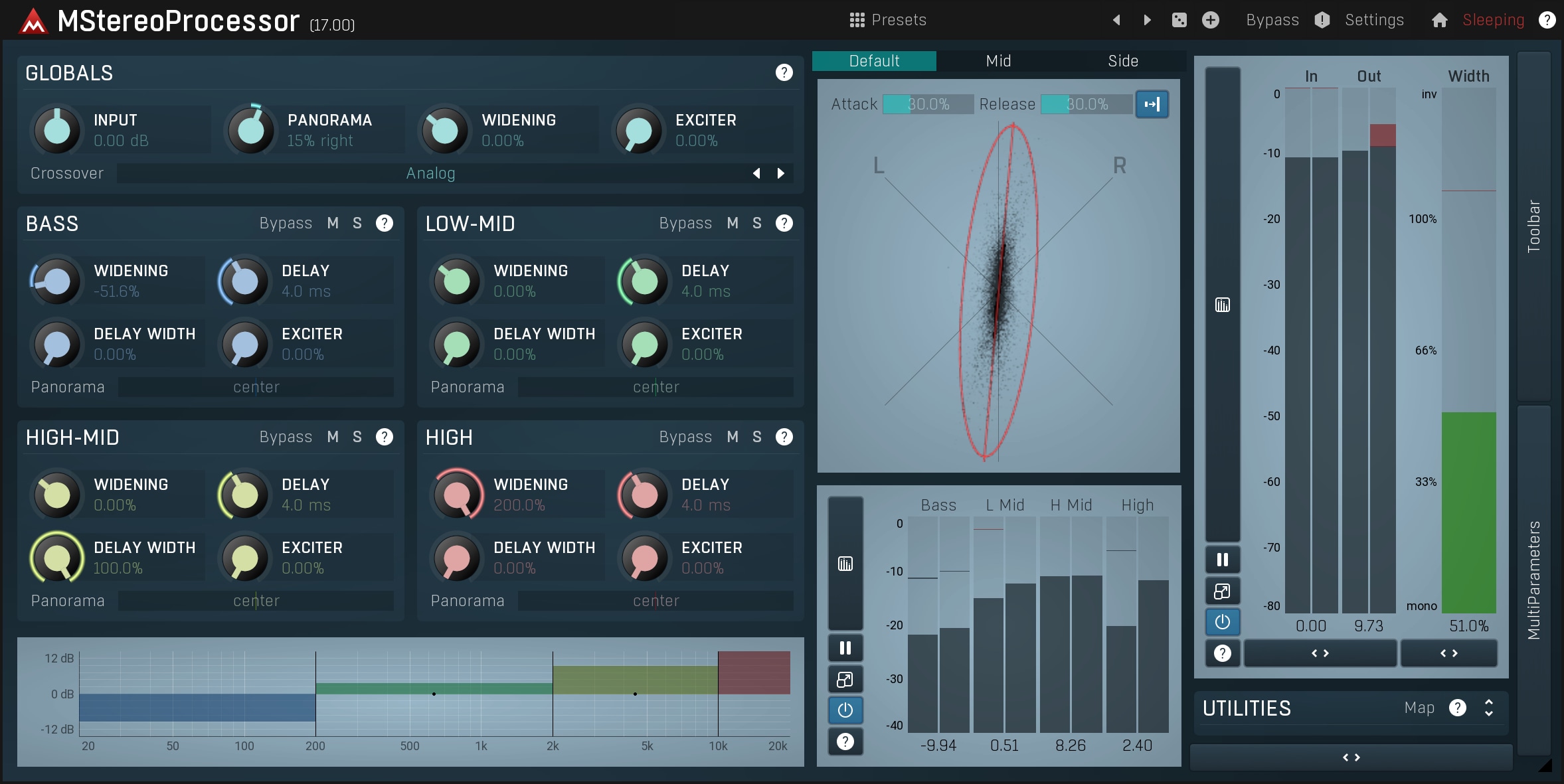
The Stereo analyzer in the image above basically shows 2 diagonal axes, one for the left channel and the other for the right, with each point representing a sample. If the analyzer displays a vertical line, then both channels are completely identical indicating that the signal is monophonic. If a horizontal axis is produced, then the channels are completely out of phase, and one is an inverted version of another. The ideal shape would be a vertical ellipse, not too thin but not too wide either as this can sound artificial. If we return to our earlier example and play something completely different into each ear, then the stereo image would probably look like a circle, becoming more vertical or horizontal from time to time. This indicates that the two channels are not correlated.
The goal of a stereo expansion plugin is to take a monophonic or very thin signal, and make it wider. Optimally, the resulting audio would also be mono-compatible, which means that if it is 'monoized', for example when it is played on the radio, then it wouldn't lose too much of its frequency content. This can happen if a vocal is out of phase for instance, as mixing it into mono will attenuate it a lot or even remove it completely!
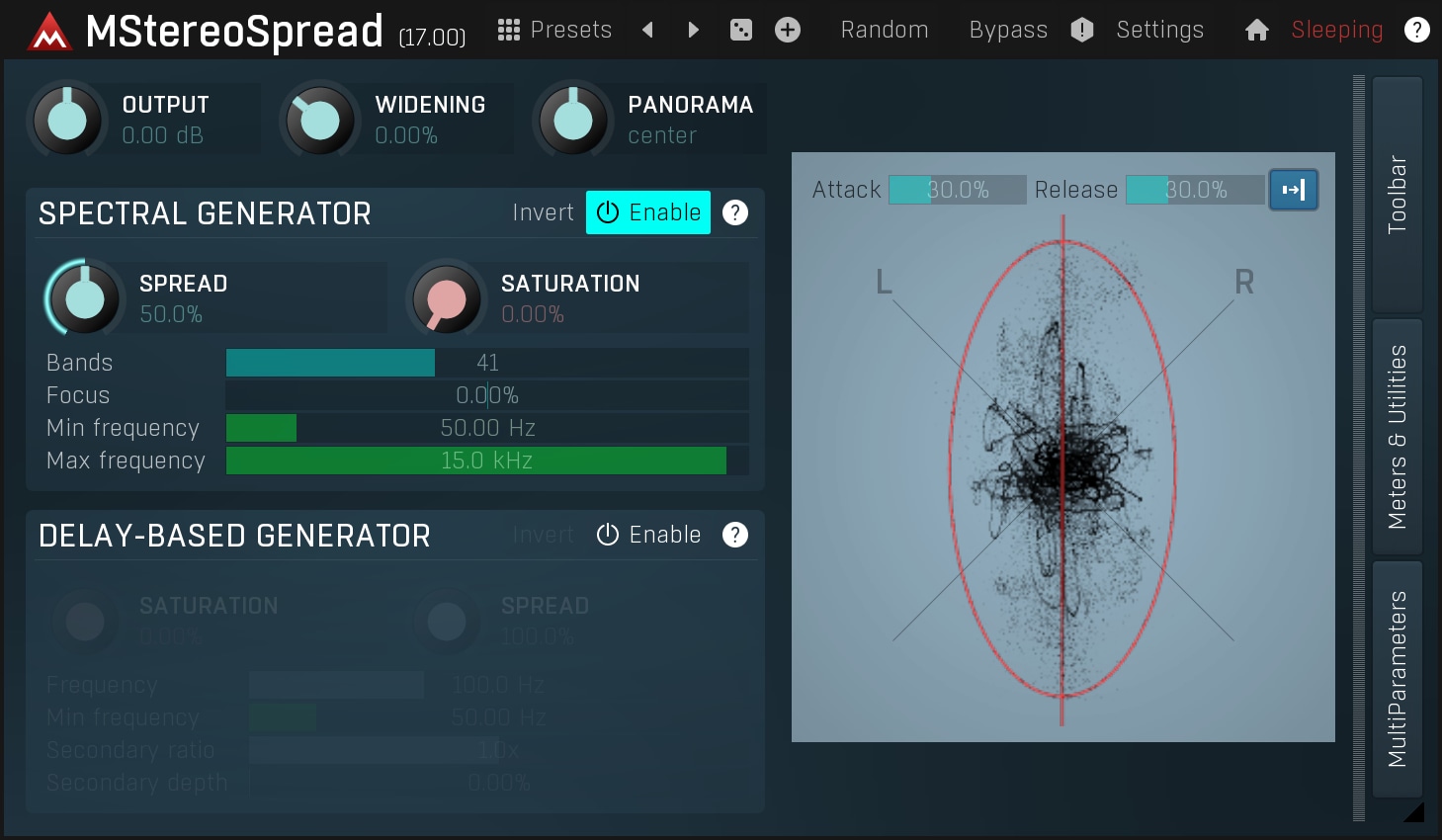
Why do we want things to be wide? First of all, it sounds good :). But more importantly this is a great technique for mixing. Although the stereo effect is removed when the audio is played on a monophonic system, on a stereo system we may use the fact, that the 2 ears are used by the brain to detect the spatial position of a sound source. Simply put, when something is monophonic, it sounds like it is in front of the listener, potentially quite far away depending on the ambience. Conversely when a track is very wide, it sounds like it is close to the listener, potentially inside his or her head. Spatial positioning is an extremely powerful weapon when mixing. More about this in documentation for our MStereoSpread plugin. So how is this done?
Stereo-mono encoding
One of the oldest methods is to simply extract the mono and stereo content and either amplify the stereo part or attenuate the mono part. The method is very simple:
stereo content = difference between the left and right channels,
mono content = the sum of the left and right channels.
See what we mean? Mono is the sound which is present in both ears. Stereo is also present in both ears, but is out of phase. So the output can be represented as
output = 0.5 * mono (+/-) 0.5 * stereo
It's a little bit more complicated, but the idea is to suppress the mono content while enhancing the stereo. The more the difference in the sound received by the listener's ears, the wider the sound stage is interpreted to be. However, there's a catch: there must already be some stereo content present to start with! Additionally, amplifying the stereo content too much may result in distortion or extra noise. Nevertheless, this is generally the most common method used to control the stereo content. In MStereoProcessor you can control multiple bands separately, thus minimizing the distortion.
The advantage with this method is that it is completely mono compatible.So if you monoize the result, the frequencies that would cancel each other would also cancel each other in the original audio as well. Simply put, the result will be exactly as mono compatible as the original.
Channel delay & phasing
What if we were to delay one channel by 10ms? Well, the output would not be correlated anymore causing it to sound 'very stereo'. Unfortunately this kind of stereo is nothing other than 'out-of-phase' which we normally try to prevent when recording, so it is best avoided!
This is because the brain interprets such changes in phase as differences in the position of the sound source, so you essentially move the sound position or change its direction. What's more, the sound becomes very incompatible with a mono player such as a radio. Mixing the sound to mono, would remove lots of frequencies, making it sound weird or metallic, just like a typical comb filter.
There is a little extension of this method - by delaying the original signal and then adding it to right channel, but subtracting from left channel, you can create a very wide stereo, which is mono compatible. It basically creates the comb filter again, but an opposite one in each channel, so when they are summed together, they form the original monophonic signal. Unfortunately the notches caused by comb filtering are harmonically spaced, so it makes most instruments jump from one ear to the other making it almost unusable. Some cheap effects units still use this method, but they are probably best avoided unless you have some creative use for them.
Despite all of its shortcomings, this effect can initially appear to produce pleasing results although your ears will usually tire of it after just a few seconds. So if you really want to use it, do so with a lot of caution. It is present in MStereoSpread as a supplementary method if you want to check it out.
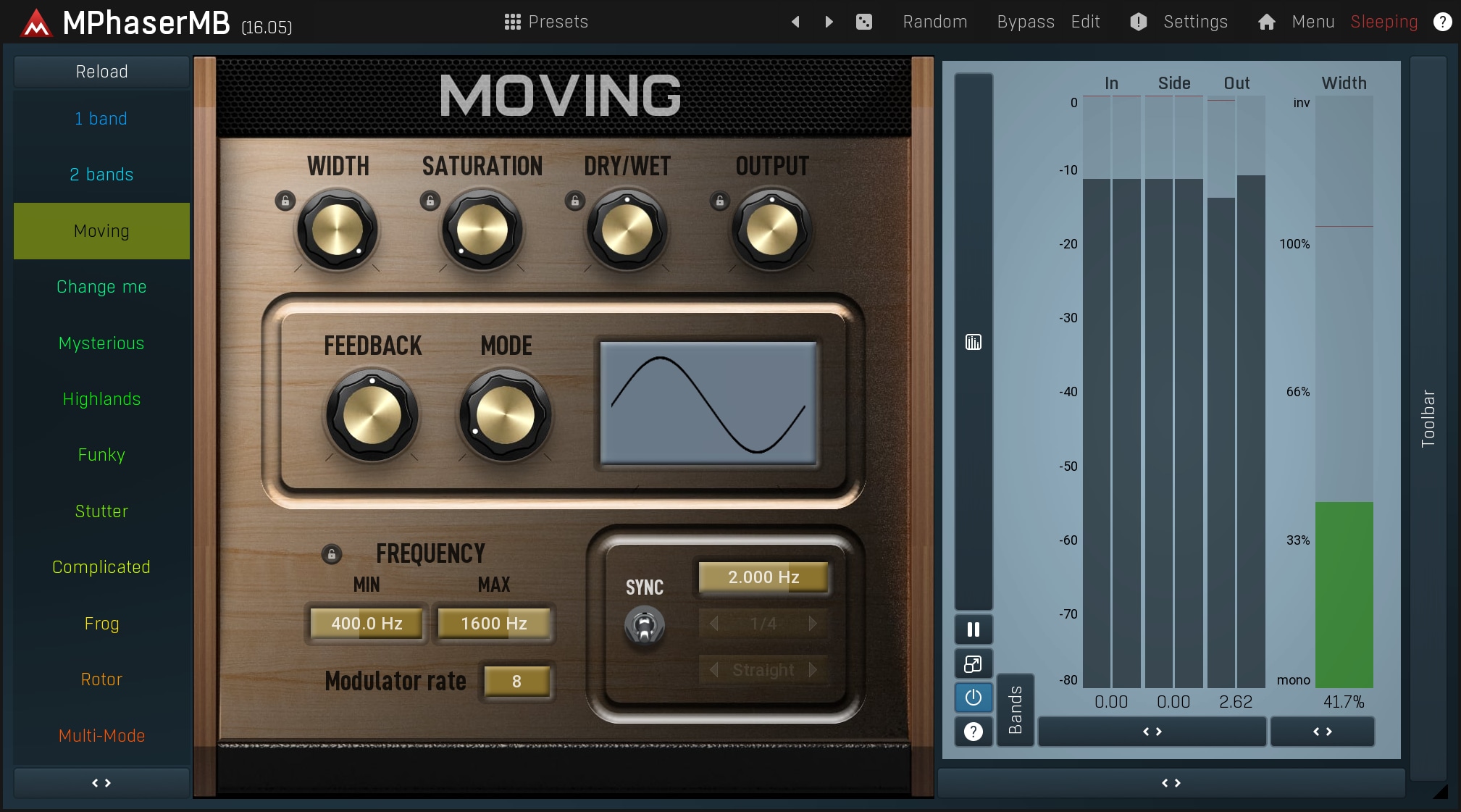
Phaser is an example of an effect that uses a similar approach creatively. Phasers selectively alter the phase content of the audio signal and as this can be done a different way for each channel, they produce a good deal of stereo expansion. Obviously the results are not really mono-compatible, so the effect is more commonly used on individual tracks, such as guitars and keyboards. Download the free trial of MPhaserMB to try the effect for yourself.
Multi-voice methods - chorus, flanger, doubler...
Many decades ago the well-known Swedish band ABBA came up with a cool way to enhance their recordings - they recorded each instrument multiple times and panned them to the sides. Recording engineers still use this technique today, and it now forms the basis of the multi-voice methods of stereo expansion.
The idea is to take the audio, modify it in some way so that it sounds like a new recording, and place it somewhere in the stereo field.
This method may be seen as a mixture of all the previous methods put together. It creates separate copies of the original signal, pans them, shifts them and delays them etc. The biggest problem is, how to make the other voices different enough from the original audio. If they are too similar, we get the typical artefacts already mentioned - comb filtering, phase distortion etc.
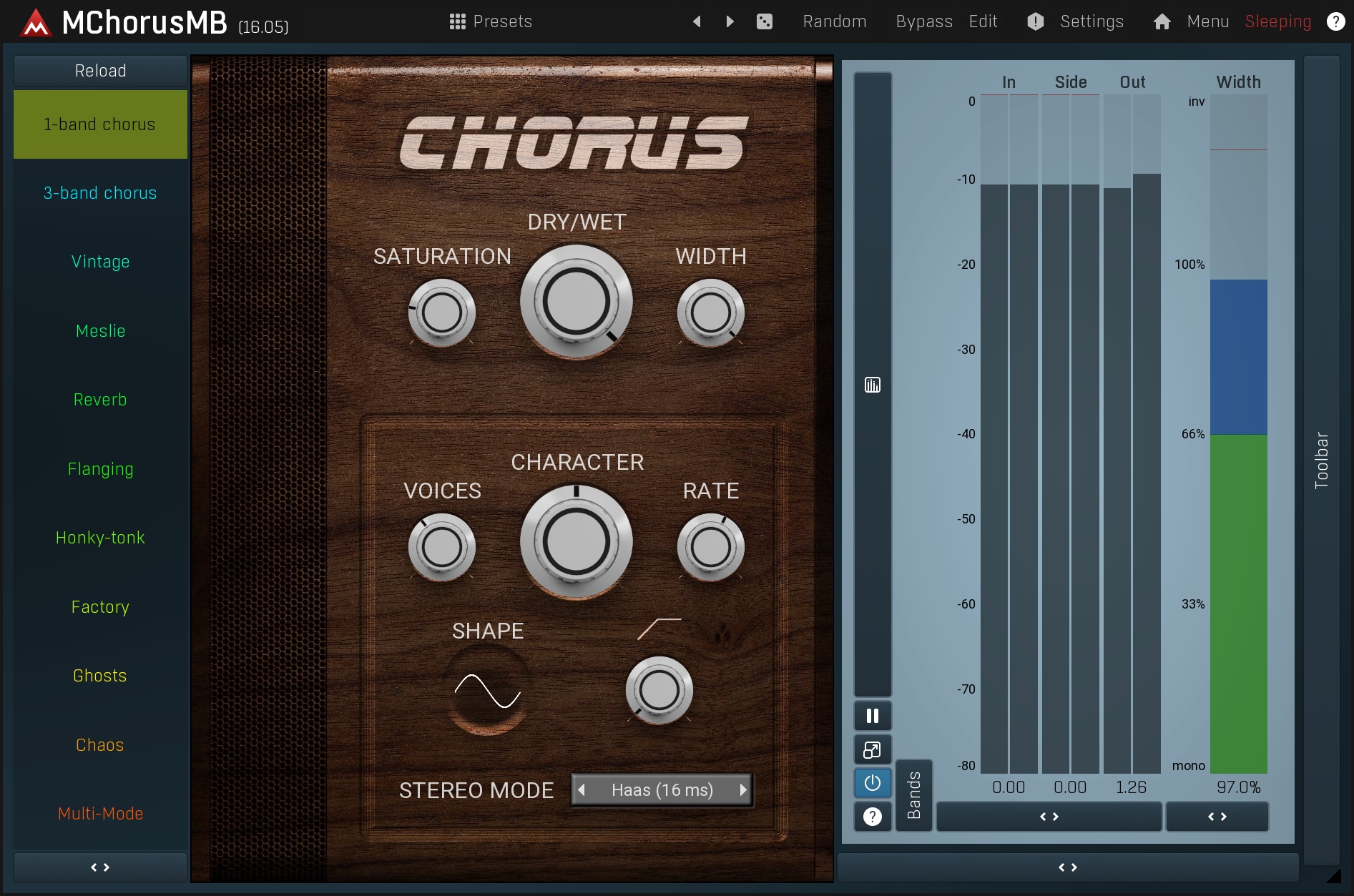
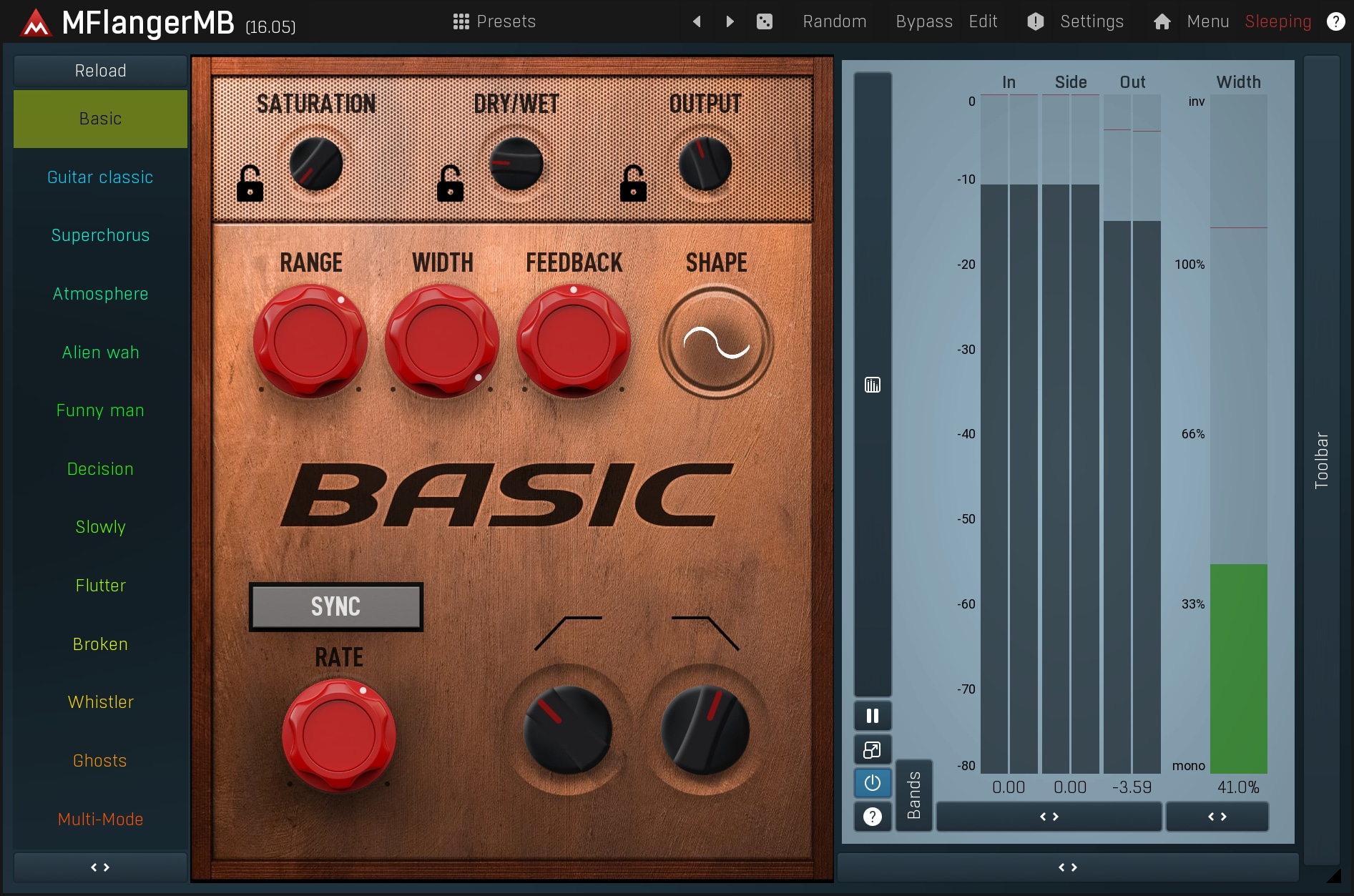
Flanger is a device that creates a single copy of the original audio, but with a slightly different pitch and varied time delay. The difference between the original signal and the added voice is minimal as is the variation in time. There is also a feedback line that induces strong comb filtering. This results in the typical 'flanging' - sweeps across the frequency spectrum.
Chorus on the other hand, tries to make each voice as different as possible, so that it seems like there are many people playing small variations of the same part. Chorus usually provides much more natural stereo expansion, and also doesn't suffer from the mono-compatibility issues as much when implemented properly (which is unfortunately not the case with most choruses on the market). You can check MChorusMB and MFlangerMB to see how a well-designed chorus or flanger works.
There are also other ways to achieve the same type of effect, like doublers for example. These devices however, usually offer very similar functionality and so ultimately, a chorus with enough parameters could become a universal solution. Care should be taken when using this type of device as they manipulate the pitch of the audio, and therefore many settings can easily produce a vibrato effect, which is often not desirable.
Reverberation
The most natural method is to simulate what happens in nature where the sound gets reflected from the many things all around you creating thousands upon thousands of copies, each slightly different (but with exactly the same pitch). Reverbs can be very personal, everyone has individual tastes and a favoured type. The general aim is to make a reverb that sounds wide, but still natural. You can check MReverb and MReverbMB to hear how they work.
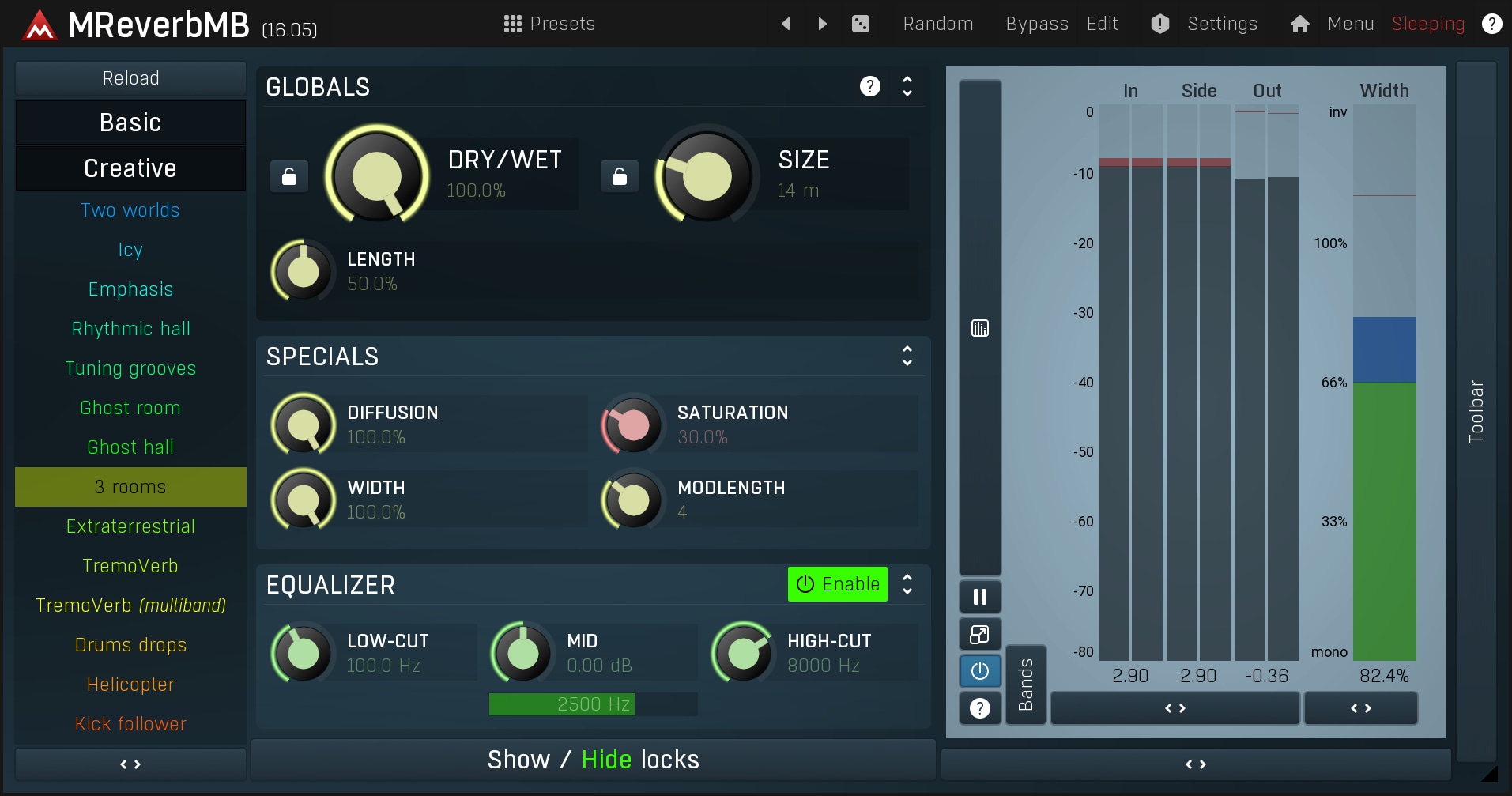
Generally, reverbs are some of the most common spatial devices. Reverbs are used a lot during mixing, though as usual, there are some disadvantages. Because they create distinct copies of the original audio, they will either create a long tail, or the sound won't be wide enough. They may also allow you hear the artificial reflections.
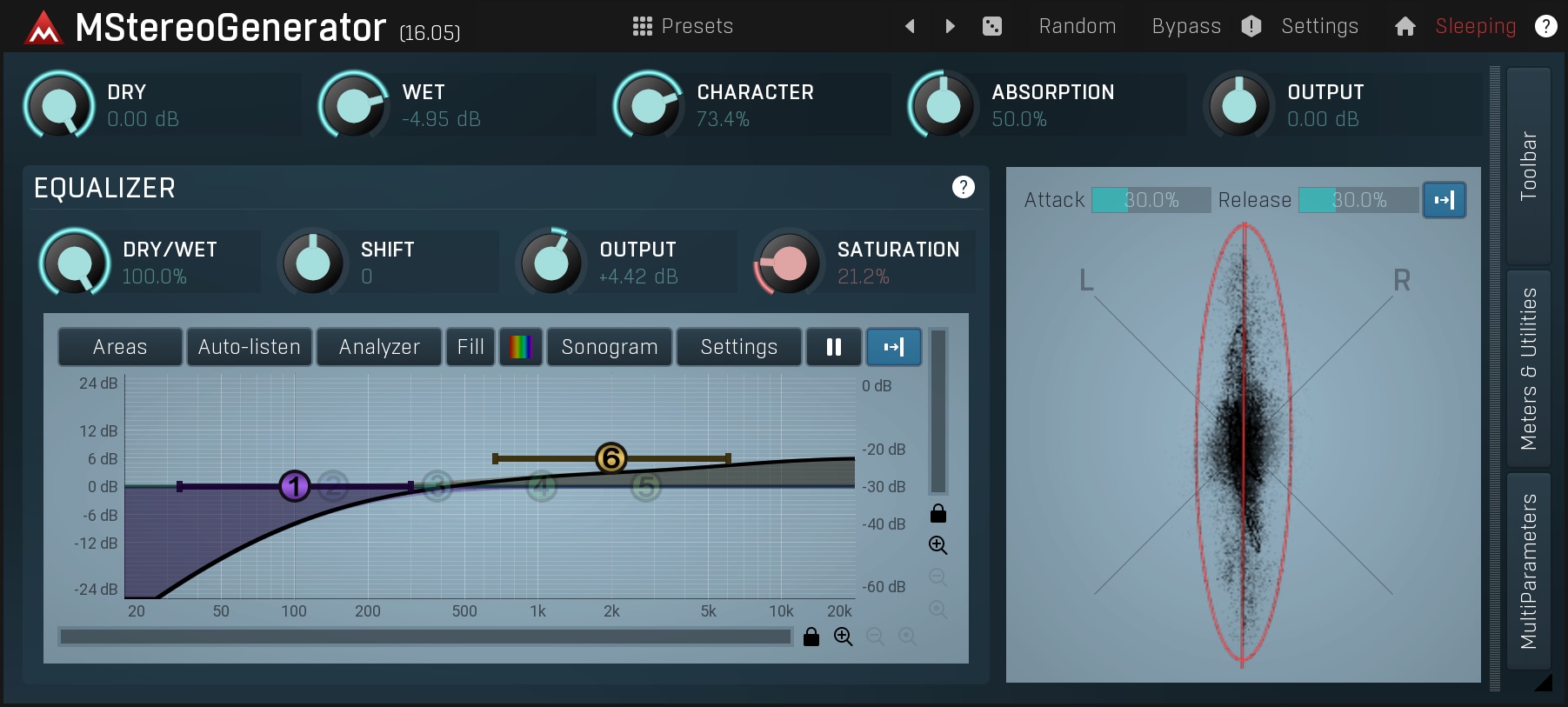
There are also generators of a short reverberation signal (such as MStereoGenerator), which create artificial stereo using a space so small, that it actually doesn't feel like a distinct space. This sounds very natural, usually provides more widening than reverbs, but not enough to bring a track close to the listener.
Spectral processing
Final and probably the most effective approach is to change the spectral content of both channels in such a way that, when summed together, both channels will cancel any changes made, therefore making it mono compatible. Imagine it as having 2 equalizers, one for each channel, and using several peak filters, but with opposing values on each channel (e.g. the 1kHz channel would be +2dB in the left channel, but -2dB in the right channel).
The comb filtering mentioned above is a special kind of such a device. However it has several flaws. The true art is to modify both channels so that the results are wide, but still mono-compatible and natural. There are just a few devices that can achieve this on the market, one of the best is MStereoSpread, which is able to generate such a stereo width that it effectively puts the track "inside the listener's head" and works with all kinds of audio materials.
Conclusion
We have shown several of the methods in use today to make (almost) monophonic audio wider. Stereo field adjustment is useful primarily for controlling the wideness and should not be used for widening as a general solution. Choruses, flangers and other voicing methods are used a lot for separate tracks, but are used for some audio materials only. Reverbs are used both for separate tracks and for whole mixes. They usually provide a smaller amount of widening and the obvious space-effect, but the results are more natural, especially when used on whole mixes. The ultimate method for contemporary mixing is the spectral processing, which delivers maximum width along with full mono-compatibility and natural results without adding any space.

