MDynamicEq
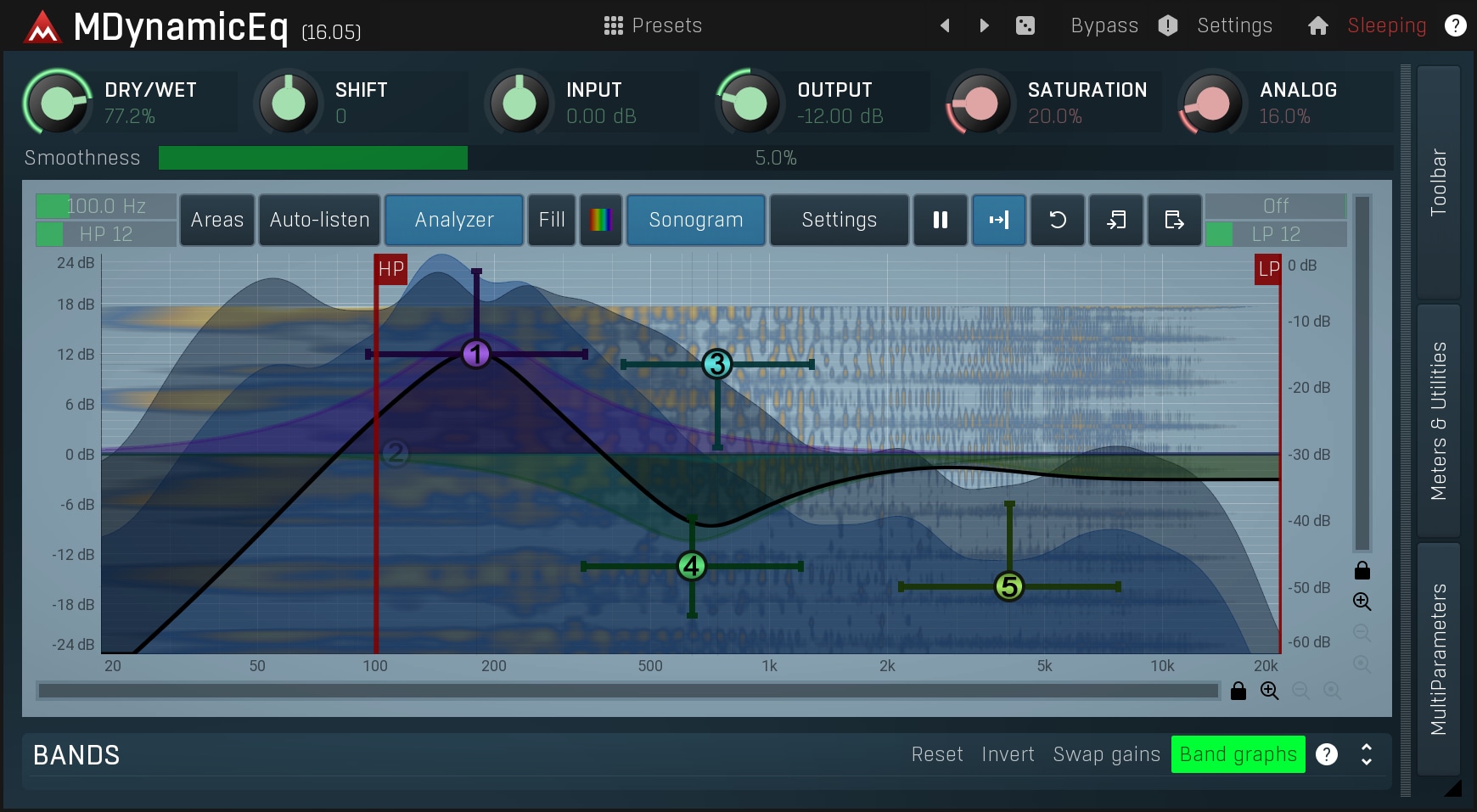
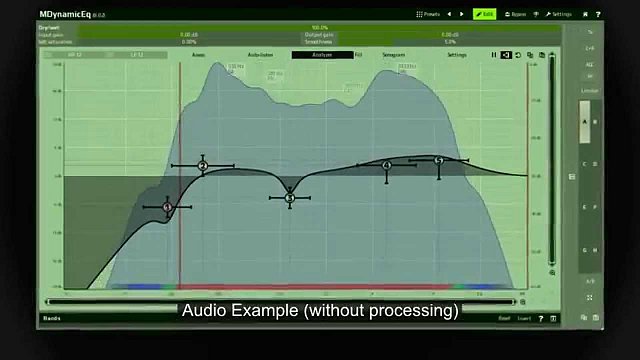
5 bands with gorgeous-sounding dynamic filters
Our variable-slope filters just sound amazing. No more resonances, so you can finally be really surgical. Dynamic filters can do common tasks such as de-essing, ducking, compression, expansion plus much more and the world of possibilities is far from being exhausted! With built-in flexible high-pass and low-pass filtering to speed up your mixing workflow.
Simple user interface for common tasks
Tasks such as de-essing or bass drum enhancement are so common that we decided to make over a dozen of them available quickly from the simplified 4 knob interface. Just plug it in to your track, select what you want to do, dial in any changes and enjoy the results.
Super-modern visualization
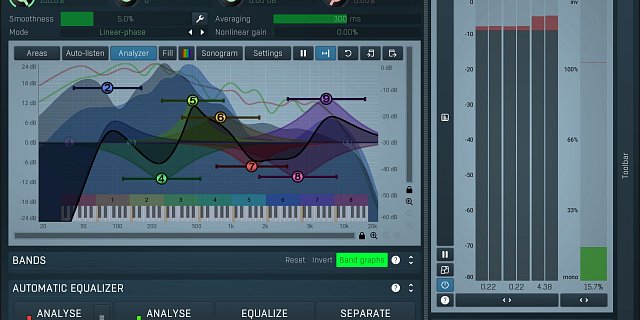
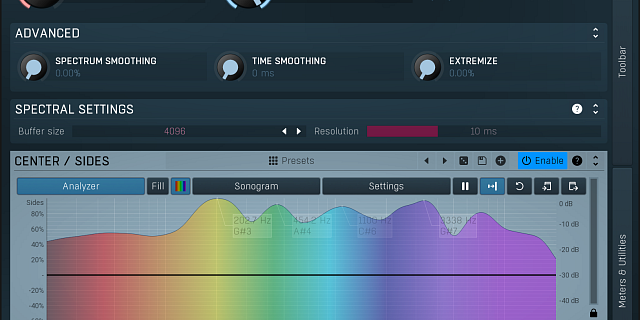
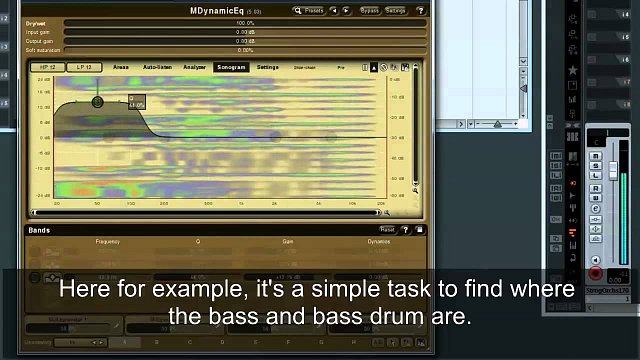
MDynamicEq not only shows the results of your processing, it also features an integrated analyzer, sonogram, spectrum areas plus much more.
Side-chain wonders
Normal equalizers would not really benefit from a side-chain, but MDynamicEq is dynamic. Attenuate the bass guitar when bass drum is played? No problem! And that's just the beginning.

DJ Fresh
"I love Dynamic EQ The power is insane. Mid side capabilities, built in Spectrum analyser and the ability to really powerfully configure multiband side chain… I could talk about this plugin all day. It’s so useful when you’ve got for example a kick drum bass frequency and you want to automatically pick out the harmonics and have the ability to be specific about the range of those the harmonics to push out and then operate on. I seriously feel like Melda plug-ins are about a decade ahead of anything else I’ve seen."

Yarden "Jordi" Peleg
"MDynamicEq is the best and most accurate dynamic eq on the market in my opinion."

Jaso Beat
"MDynamicEq is fantastic for precise dynamic equalization. I use it a lot to remove resonances from vocals and overly bright melodies, adjusting specific frequencies in real-time and keeping everything balanced and clear effortlessly."